
 https://www.elenascript.shop/
 Join our Discord
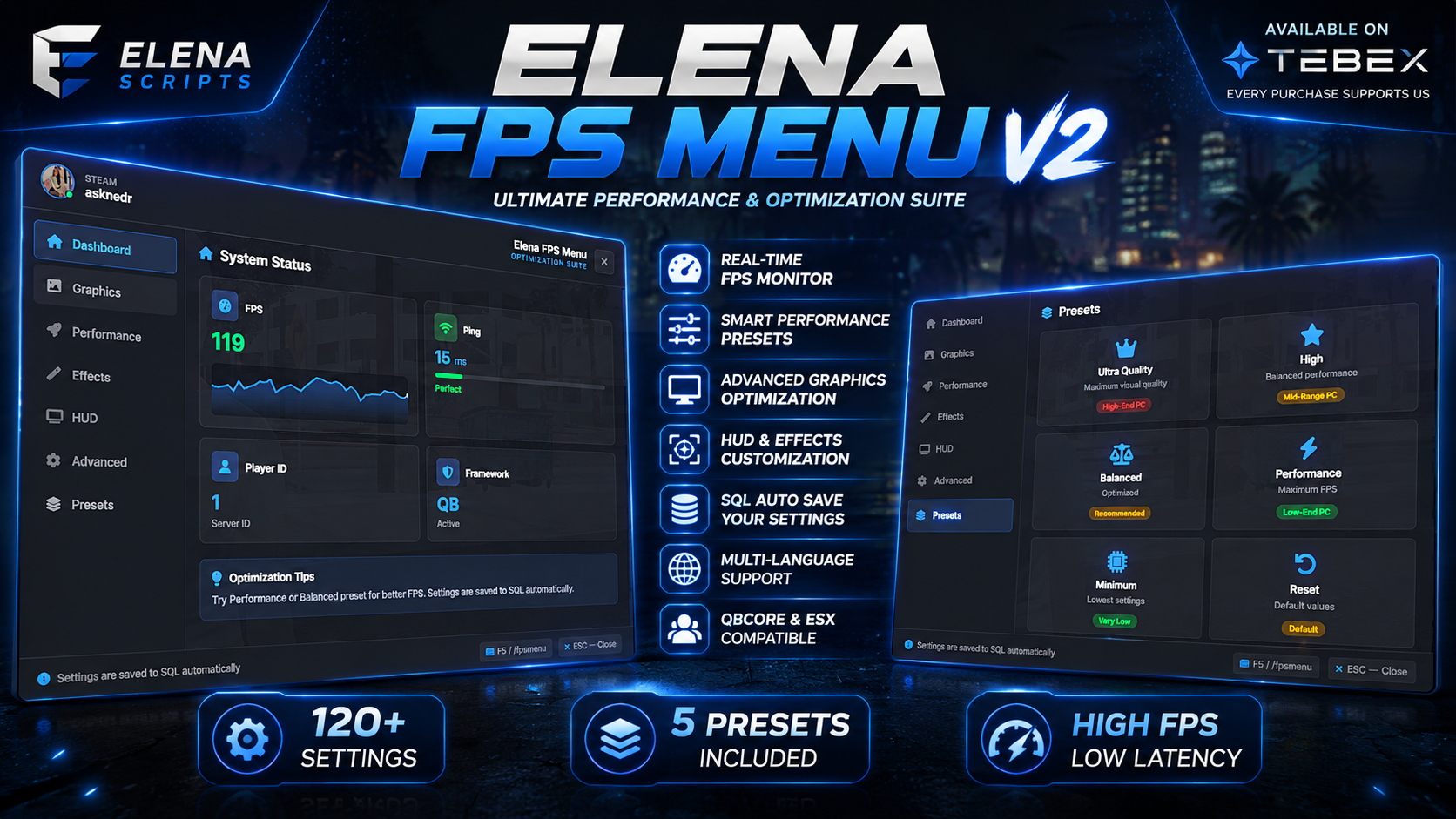
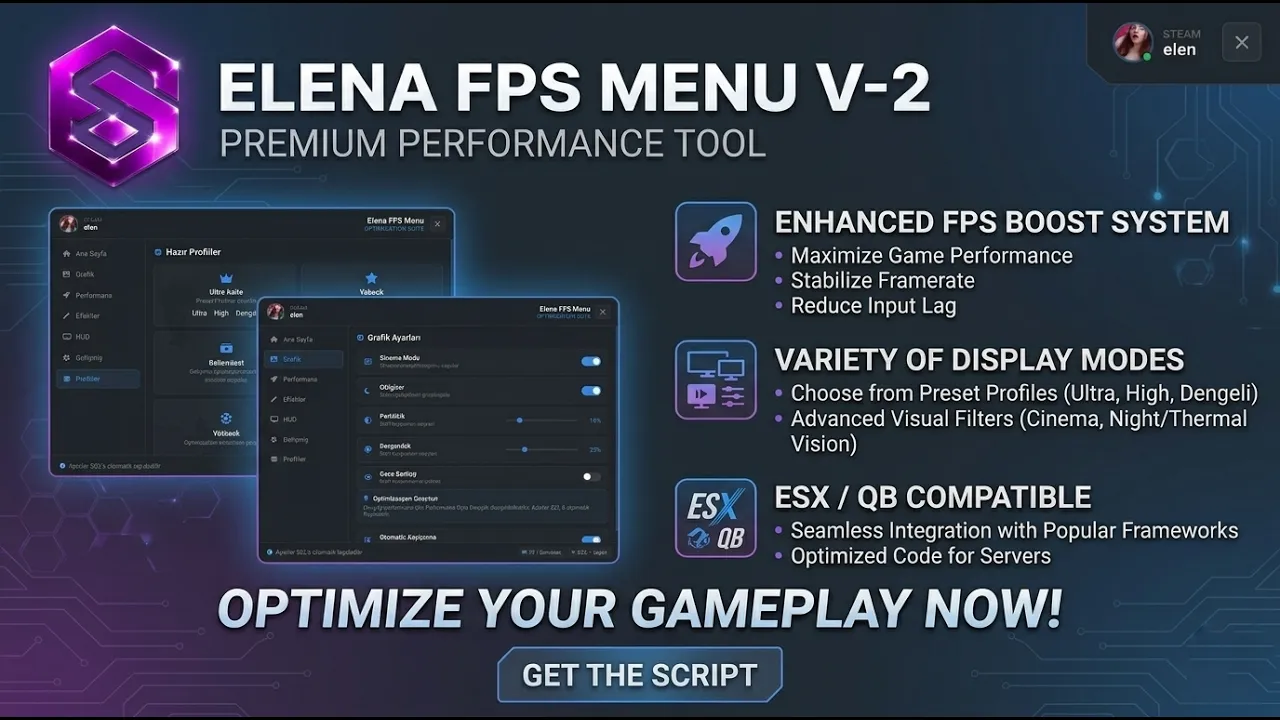
🚀 Elena FPS Menu - The Ultimate FiveM Optimization Suite
📌 Overview
Elena FPS Menu is a premium, highly customizable FPS and visual optimization system designed exclusively for FiveM servers. Built with a modern, sleek UI and powered by a real-time configuration engine, it allows players to fine-tune their gameplay experience while providing server owners with absolute control over what features are available.
Say goodbye to lag complaints and hello to a seamlessly optimized experience for both high-end and low-end PCs!
✨ Key Features
🎨 Modern & Intuitive UI
- Clean, dark-mode glassmorphism design with smooth animations.
- Real-time notifications for instant setting feedback.
- Steam profile integration: Automatically displays the player's real Steam avatar and name.
- Tabbed navigation (Dashboard, Graphics, Performance, Effects, HUD, Advanced, Presets).
📊 Live Server Dashboard
- Player ID: Instant server ID display.
- Framework Detection: Automatically identifies QBCore, ESX, or Standalone.
⚙️ Real-Time Visual Engine (100% Active)
Unlike other menus where sliders do nothing, every single setting in Elena FPS Menu applies instantly to the game engine:
- Brightness & Saturation: Actively manipulates GTA V timecycle modifiers in real-time. Go from moody dark to vibrant, or completely black & white!
- Cinema Mode: Applies high-quality cinematic filters.
- Shadows & Water: Toggles engine-level shadows and ocean reflections.
- Night Vision & Thermal Vision: Built-in engine effects (can be disabled via config).
🚀 Performance Optimization
- Vehicle & NPC Density: Sliders (0-100%) to clear streets for maximum FPS.
- View Distance & LOD: Real-time scaling to reduce rendering load.
- Grass Removal: Completely strips grass LODs for massive FPS gains.
- Cloud & Particle Control: Remove unnecessary sky and effect rendering.
🎛️ Config-Driven Visibility (Server Owner's Dream)
Don't want players using Thermal Vision? Turn it off in the config!
Every single toggle and slider can be enabled or hidden from the config.lua. No need to edit HTML or Lua files.
Lua
Config.SettingsVisibility = {
    thermal = false,     -- Hides Thermal Vision from the menu
    nightvision = true,  -- Shows Night Vision
    -- ... full control over all 20+ settings
}
💾 Smart Data Persistence
- SQL Integration (oxmysql): Settings are automatically saved to the database.
- Cross-Session Retention: Players keep their exact settings even after reconnecting.
- Auto-Save: Instantly writes to the database the moment a player changes a setting.
🎯 5 Pre-Built Profiles
- Ultra Quality: For high-end machines.
- High / Balanced: For standard gameplay.
- Performance: For competitive/maximum FPS.
- Potato Mode: Strips everything so low-end PCs can finally play smoothly.
🔐 Secure & Optimized
- Framework auto-detection (QB/ESX/Standalone).
- 0.00ms idle resource usage.
- Secure server-side data validation.
📦 Installation
- Import the provided SQL file into your database.
- Add
ensure elenafpsmenuv2to yourserver.cfg. - Add your Steam API Key to
config.luafor real profile avatars. - Restart your server. Done!
🎮 Controls
- F5 (Default) - Open/Close Menu
- /fpsmenu - Open/Close Menu
- ESC - Close Menu
- /fixmouse - Emergency cursor unlock
💡 Why Choose Elena FPS Menu?
✅ Every slider and toggle actually works in real-time.
✅ Server owners have 100% config control over what players see.
✅ Reduces support tickets by letting players optimize their own experience.
✅ Professional UI that elevates your server's prestige.
Give your players the power to optimize. Give your server the performance it deserves.