
 https://www.elenascript.shop/
 Join our Discord
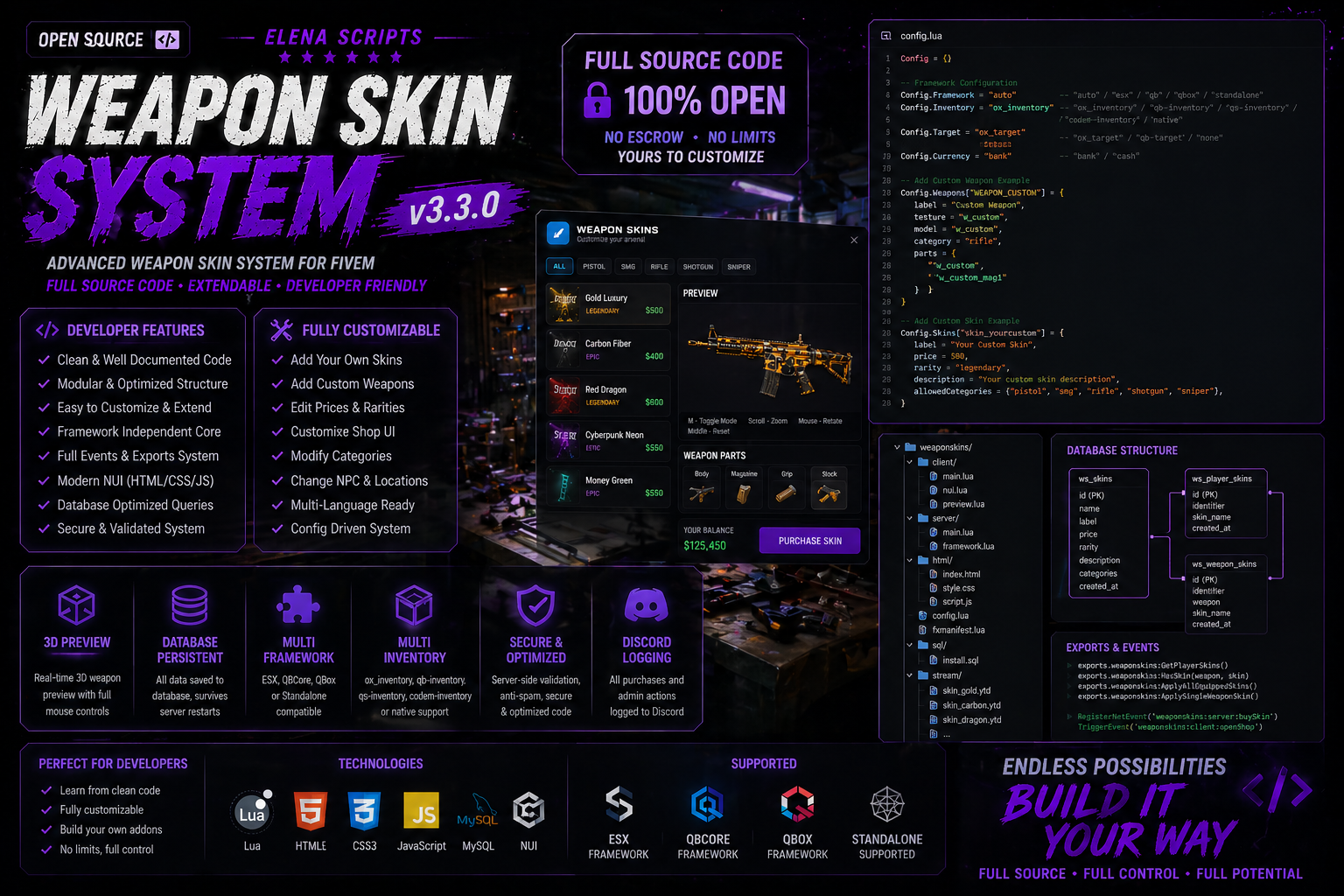
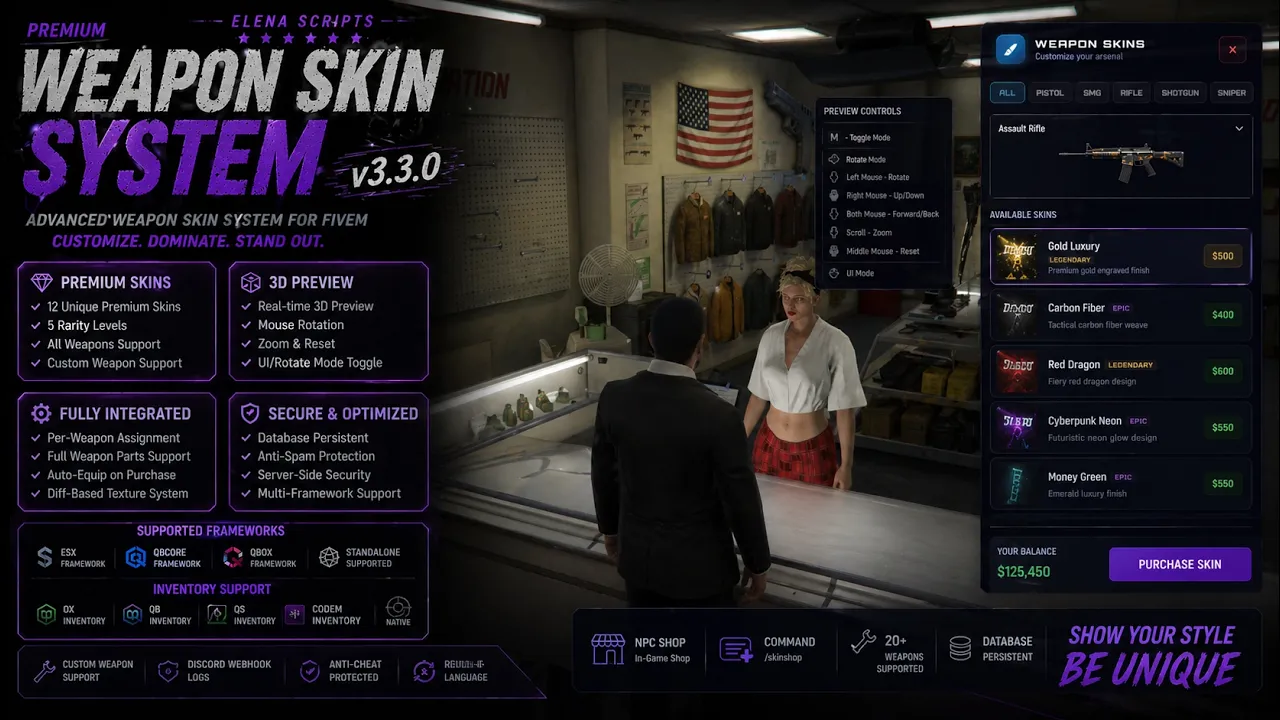
Premium Weapon Skin System is a modern and advanced FiveM resource designed to bring a high-quality weapon skin shop experience to your server.
This resource includes a clean NUI interface, real-time 3D weapon preview, skin purchasing and equipping system, persistent database saving, per-weapon customization, and support for multiple frameworks and inventory systems.
Whether you run ESX, QBCore, QBox, or a standalone server, this script is built to be flexible, optimized, and easy to configure.
Main Features:
- Modern and clean NUI weapon skin shop
- Interactive 3D weapon preview
- Rotate, zoom, and reset preview controls
- Per-weapon skin system
- Persistent database saving
- Auto-equip on purchase
- Skin rarity system
- Full weapon parts texture support
- Multi-framework support
- Multi-inventory support
- NPC / target system support
- Discord webhook logging
- Admin commands
- Custom weapon support
Supported Frameworks:
- ESX
- QBCore
- QBox
- Standalone
Supported Inventories:
- ox_inventory
- qb-inventory
- qs-inventory
- codem-inventory
- native
Supported Target Systems:
- ox_target
- qb-target
- none
This resource is ideal for servers looking to add a premium weapon customization experience with a polished presentation and flexible setup.
Showcase Video: [https://youtu.be/Wm6U2LDzyEs]
Documentation: [https://elena-scripts.gitbook.io/elenascripts/gameplay/weapon-skins]
Support: [https://discord.gg/elena]
Features: ✔ Modern NUI Interface ✔ Real-Time 3D Weapon Preview ✔ Rotate / Zoom / Reset Controls ✔ Per-Weapon Skin System ✔ Persistent Database Saving ✔ Auto Equip On Purchase ✔ Rarity System ✔ Weapon Parts Texture Support ✔ Multi-Framework Support ✔ Multi-Inventory Support ✔ NPC / Target Integration ✔ Discord Webhook Logging ✔ Admin Commands ✔ Custom Weapon Support
Requirements:
- oxmysql
Optional:
- ox_target or qb-target
- Any supported inventory system
Installation:
- Place the script in your resources folder
- Import the SQL file into your database
- Add ensure weaponskins to your server.cfg
- Configure config.lua
- Restart your server
Support: If you need help with installation or configuration, please open a ticket in our Discord.
Important:
- Make sure your selected framework and inventory are configured correctly
- Skin texture files must be placed inside the stream folder
- This package must not be redistributed or resold
This package is provided in open source format. You have full access to the code for editing, expanding, and integrating the resource into your own server systems. Ideal for developers and server owners who want full control and customization.